
Device Configuration allows administrators to set up and personalise the Vismo app on users’ devices. This can be applied at the account level, affecting all users within the account, or at the group level.
To configure devices at the account level, go to the Main Configuration page and click on Device Configuration.
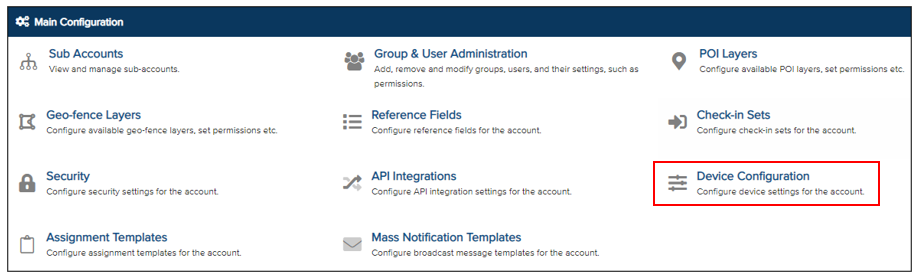
The account’s Device Configuration page will be displayed. There are several configuration settings available, including General, Theme, Locating, and Alerts. Open the relevant section to configure each aspect of the device settings.
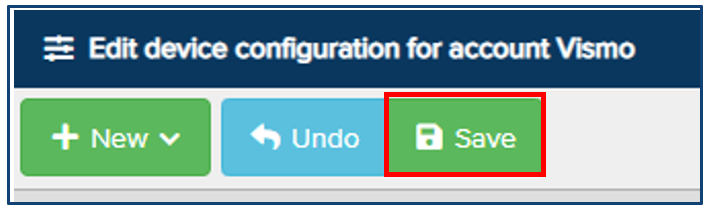
Once configured, remember to Save all your changes. When saving device configuration at the account level, a pop-up will appear asking you to confirm the configuration for the entire account and any sub-accounts.
Enter the account name and click Save to confirm the changes.
