Show Current Traffic Conditions
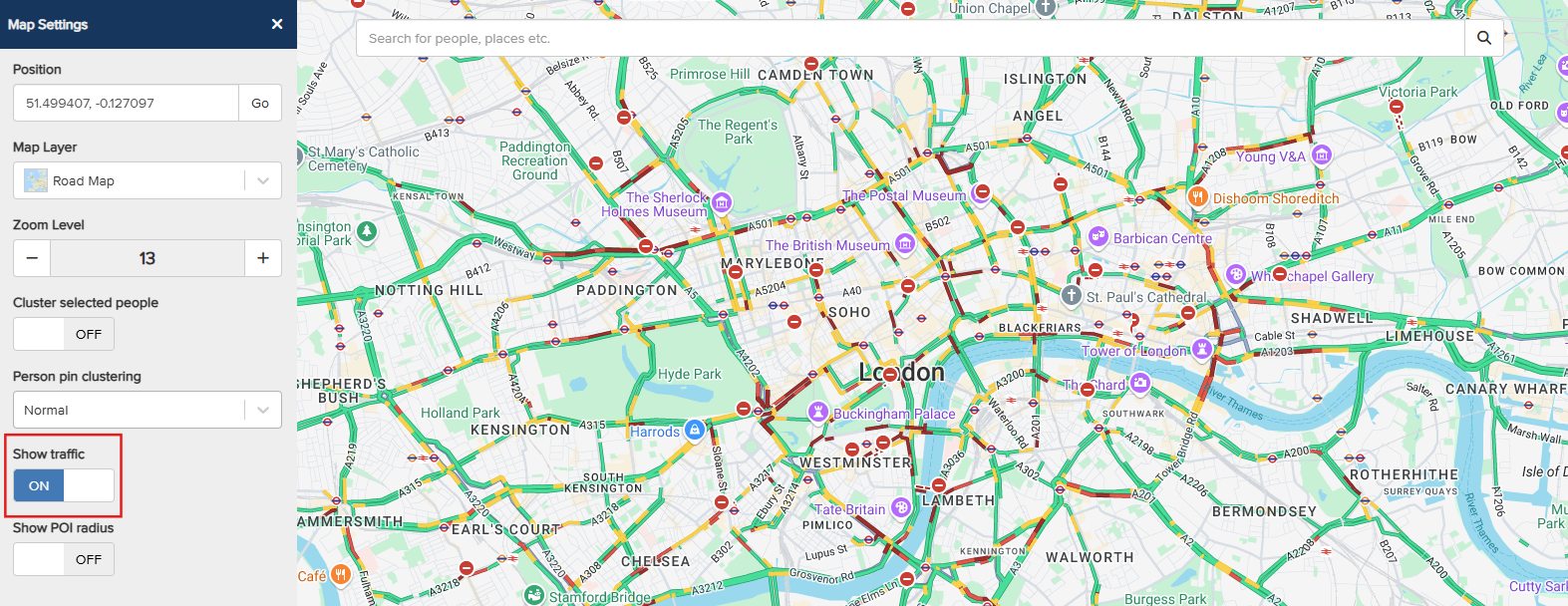
Live traffic feeds from Google can be added to the Maps Dashboard, offering a clearer view of traffic conditions in specific areas. To begin, open the Map Settings by clicking the Map icon in the left-hand side panel. The Map Settings menu will then appear.
Toggle the Show Traffic switch to On to enable live traffic information on the map. The Google traffic data will then be displayed.