
Points of Interest (POIs) can be imported in bulk using the import feature found under Account Settings > POI Layers.
Before importing, you must either:
- Create a new layer for the POIs to be imported into.
- Select an existing layer to import the POIs into, updating its existing points.
New Layer
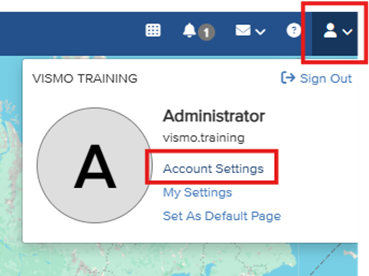
Go to Account Settings.
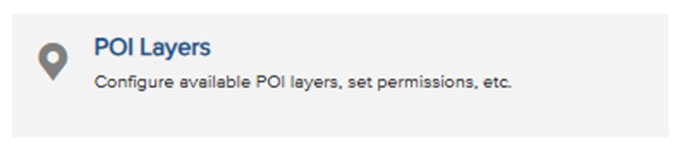
Click POI Layers.
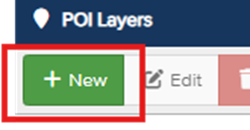
Click New.
- Assign the new layer a name, default colour, and icon.
- Click Save.
Your new layer will now appear in the list of POI Layers.
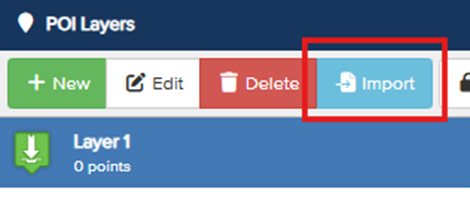
- Click your new layer to highlight it, then click Import on the toolbar.
On the import screen, select Upload.
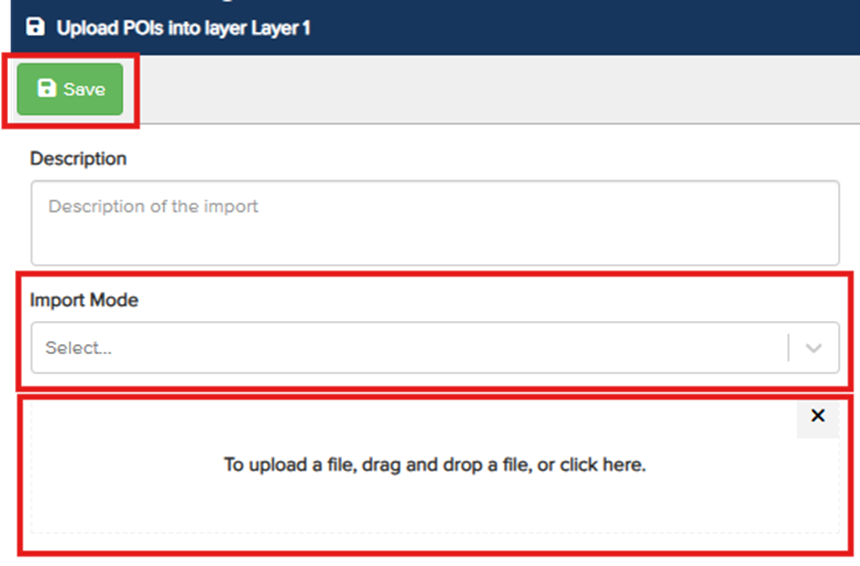
- On the upload screen, you can add a description and choose an import mode:
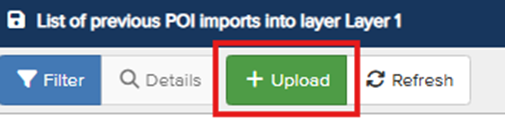
- Synchronise – Updates the POI layer so that its POIs exactly match the contents of the imported file.
Add and update – Adds any new POIs defined in the file that do not already exist in the layer, and updates any existing ones. No POIs are removed.
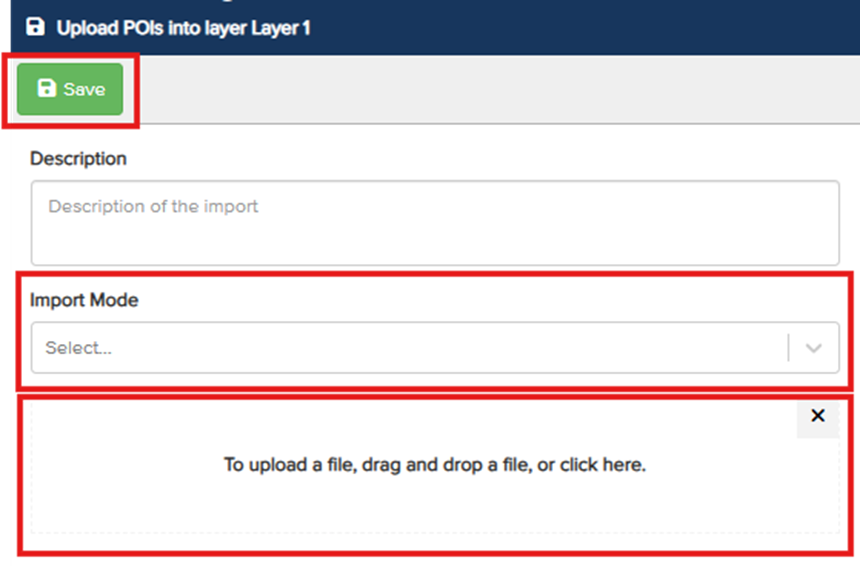
- Once the import mode is selected, drag and drop a KML file into the window.
- Click Save.
Existing Layer
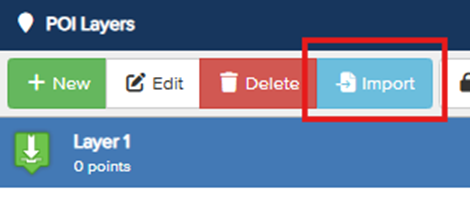
Click your existing layer to highlight it, then click Import on the toolbar.
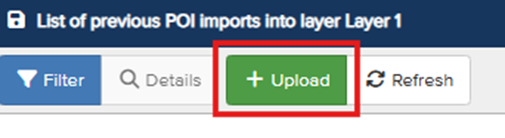
On the import screen, select Upload.
- On the upload screen, you can add a description and choose an import mode:
- Synchronise – Updates the POI layer so that its POIs exactly match the contents of the imported file.
Add and update – Adds any new POIs defined in the file that do not already exist in the layer and updates any existing ones. No POIs are removed.
- Once the import mode is selected, drag and drop a KML file into the window.
- Click Save.
What is a KML File?
KML is a standard file format used to represent geographical data such as points, lines, and areas on a map.The easiest way to create KML files is by using the Google Earth website. This platform allows you to draw points and polygons, which can then be exported together as a single KML file. While KML supports a wide range of use cases, Vismo uses only a small subset of the format that is relevant to our system requirements.
Vismo Supported Fields
The following KML fields are supported in Vismo:
- Name – Maps to the POI name or title.
- Description – Maps to the POI description.
- Timespan – Optionally specifies a start (begin) and end (end) date for the POI.
- Geometry – Defines the shape or location of the placemark.
Note: When importing into POI layers, only the Point type is supported.
50 KB