
1) In the red banner at the top of the screen, click the Edit button.

This will take you to the following page.
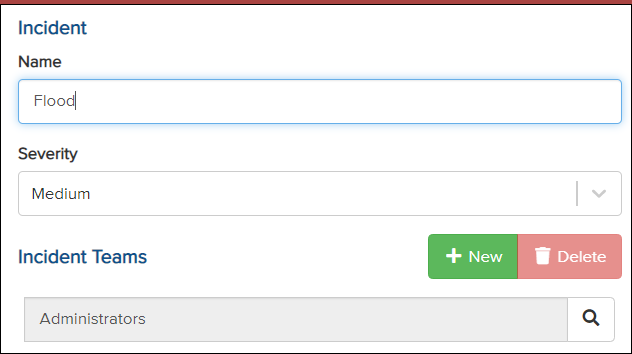
2) Under Incident Teams, click the magnifying glass, and a list of groups will appear.
3) Select a group until it is highlighted in blue.
4) Click Select.
5) In the top right corner, click Save.

The team responsible for handling the incident has now been changed.