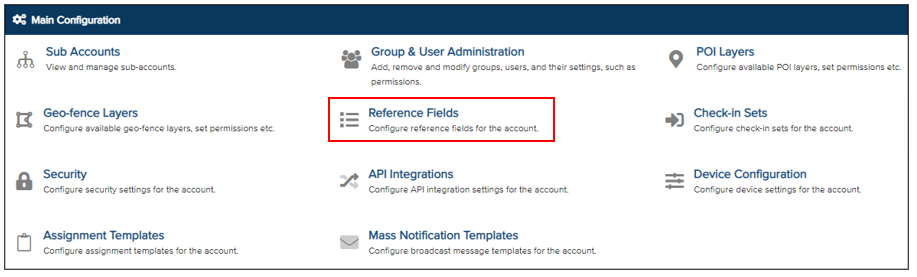
Reference fields are a useful tool for storing specific information associated with a user, linking them to a predefined category. To create a reference field, go to the Main Configuration page and click on Reference Fields.
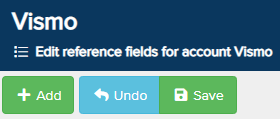
The Reference Field editor page will then be displayed. Click Add to create a new reference field.
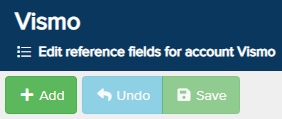
A Reference Field editor box will appear.
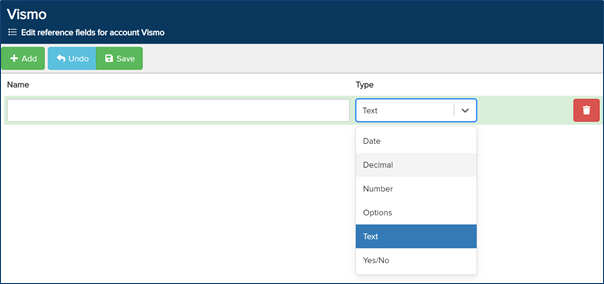
In the Name box, enter the title you wish to assign to your reference field.
Select the Type of reference field by clicking the drop-down arrow:
- Date – Allows a date to be entered.
- Decimal – Enables a decimal number to be entered (e.g., 4.4).
- Number – Allows whole numbers to be added.
- Options – Provides multiple-choice options to select from.
- Text – A text box for entering messages, instructions, details, etc.
- Yes/No – Restricts the field to either Yes or No.
Once configured, click Save at the top to save the reference field.