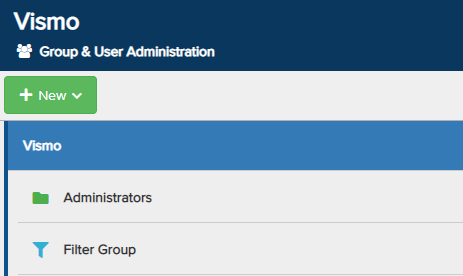
Filter Groups automatically add members to a group based on specific behaviours of the user’s device.
For example, you might want users to be automatically added to a Filter Group when their battery level falls below 20%. When their battery level rises above 20%, they will automatically be removed from the Filter Group. Like regular groups, Filter Groups allow you to add Permissions, Events, and set the Device Configuration for the group.
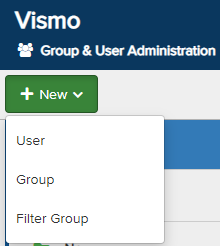
From the Group & User Administration page, click New in the top-left corner. From the drop-down menu, select Filter Group.
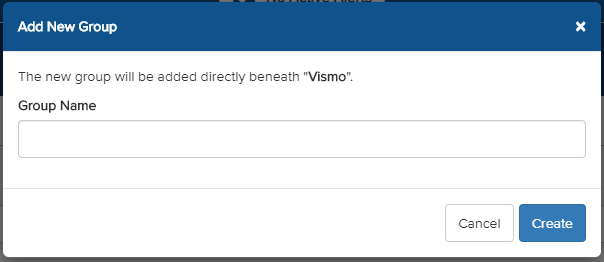
A pop-up will appear. Enter a Group Name and click Create to set up the group.
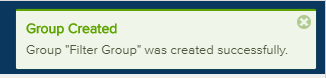
A notification will appear to confirm that the new group has been created. The group will now be displayed in your list of groups.
The Filter Group will appear in your list of groups. The filter icon indicates that it is a Filter Group.