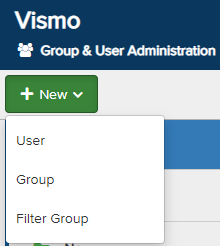
From the Group & User Administration page, click New in the top left corner. From the drop-down menu, select Group.
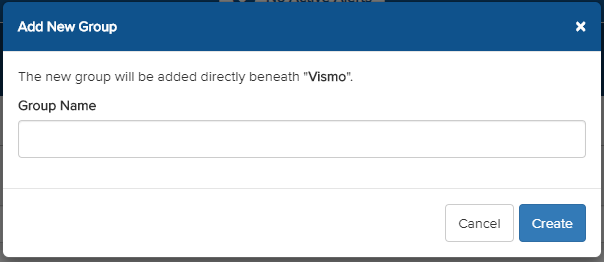
A pop-up will appear. Enter a Group Name and click Create to set up the group.
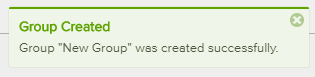
A notification will appear confirming that the new group has been created. The group will now be visible in your list of groups.