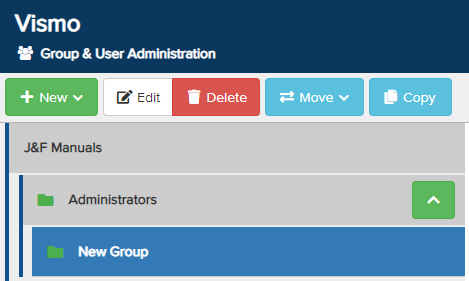
You can organise your account hierarchy by creating sub-groups within a parent group.
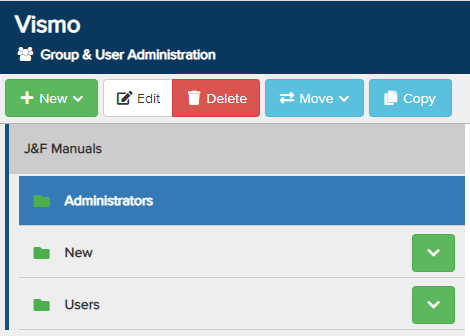
From the Group & User Administration page, select the group you want to designate as the parent group by clicking on it until it is highlighted in blue. In this example, we are setting the Administrators group as the parent group.
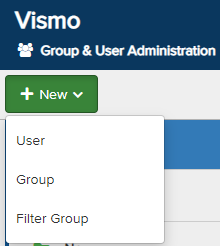
Once the group is selected, click New in the top left corner. From the drop-down menu, select Group.
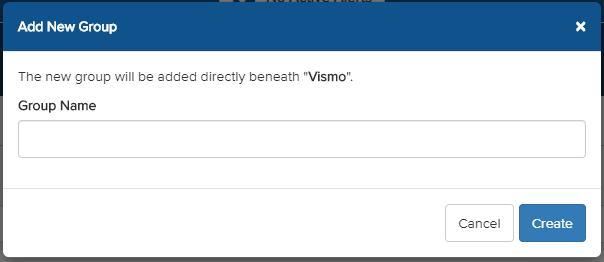
A pop-up will appear. Enter a Group Name and click Create to establish the group.
A notification will appear confirming that the new group has been created. 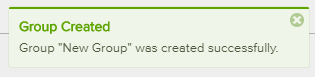
The new group will now appear in your list of groups beneath the parent group. Click the green arrow to expand and view the sub-groups.