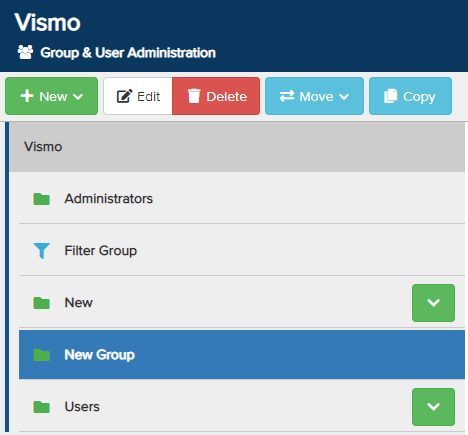
From the Group & User Administration page, select the group you wish to delete by clicking on it until it is highlighted in blue, then click Delete at the top to remove the group.
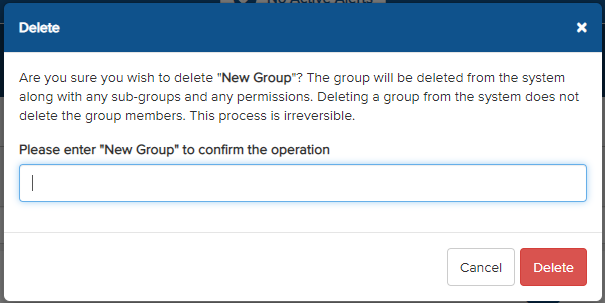
A pop-up will appear with a warning message asking you to confirm the action. Enter the name of the group in the text box to proceed, then click Delete.
Note: Deleting a group will also remove any sub-groups and associated permissions. Group members will not be deleted. This action is irreversible.
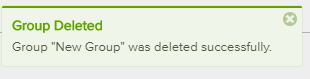
The group will then be removed from Vismo, and a notification will appear to confirm the deletion.