
Once an Event has been created, you need to set up the notifications for specific groups. By configuring the recipient details, administrators can decide which group(s) should receive each notification.
Select the Event you want to configure until it is highlighted in blue, then click Recipients.

The Recipient editor page will open. Click New to configure the notifications.
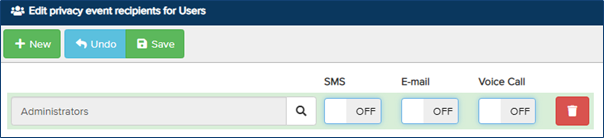
Click the Magnifying Glass and select the group from the list to receive the notifications. To enable SMS, Voice Call, and/or Email notifications, toggle the switches to On.
To remove a recipient group, click the bin icon. Click Save to apply the changes.