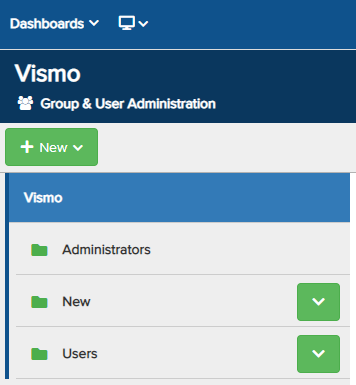
The Group & User Administration section of the portal allows you to add, remove, and modify groups, users, and their settings, including permissions. To access this section, click on the person icon in the top-right corner of the screen.
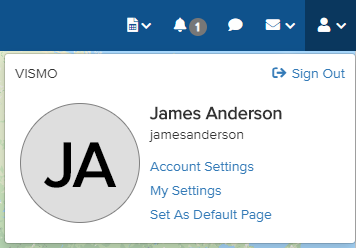
From the drop-down menu, select Account Settings. The account’s Main Configuration page will then be displayed.
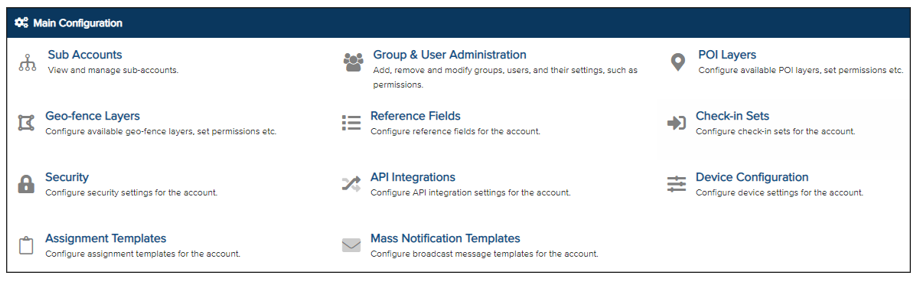
From the list, select Group & User Administration. The account’s Group & User Administration page will then be displayed.