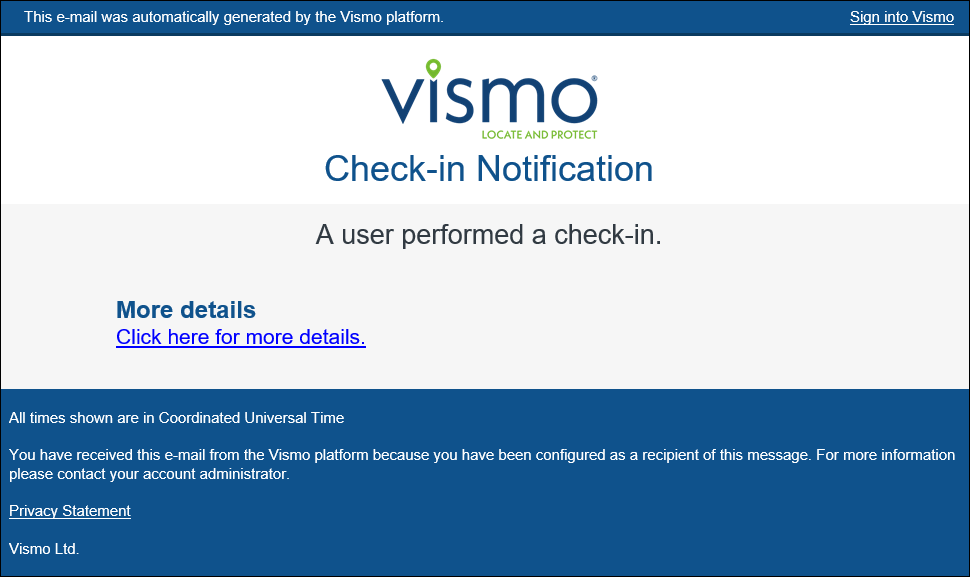
Event notifications sent to administrators can either display the information directly within the email or provide a link to the Vismo portal. Follow the steps below to configure how the event information is presented in the email.
1) In the top right corner, click on the icon.

2) Select ‘Account Settings’.
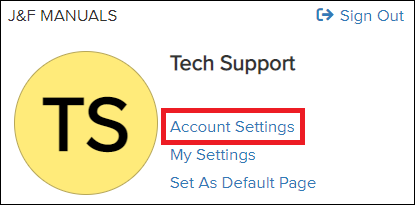
3) Select ‘Security’.

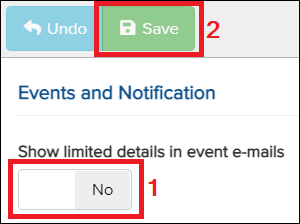
4) Set “Show limited details in event emails” to Yes, and click ‘Save’.
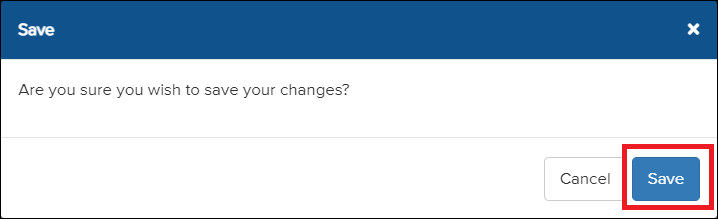
5) Click ‘Save’ again.
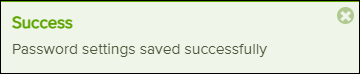
6) A message will appear in the top right corner.
The email will now appear in the format below, rather than displaying all information immediately.