To sign in to the Vismo Portal, go to https://secure.vismo.com/
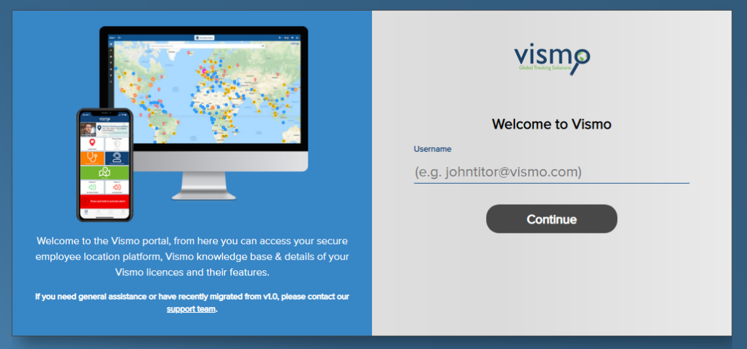
You will see the initial login screen. Enter your username and click ‘Continue’.
Select your preferred sign-in type by clicking the appropriate box.
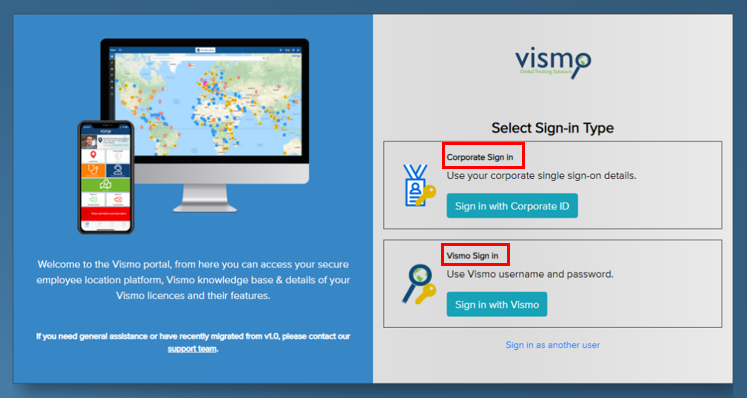
NB: Single Sign-On (SSO) is only available for customers who have purchased 250 licences or more.
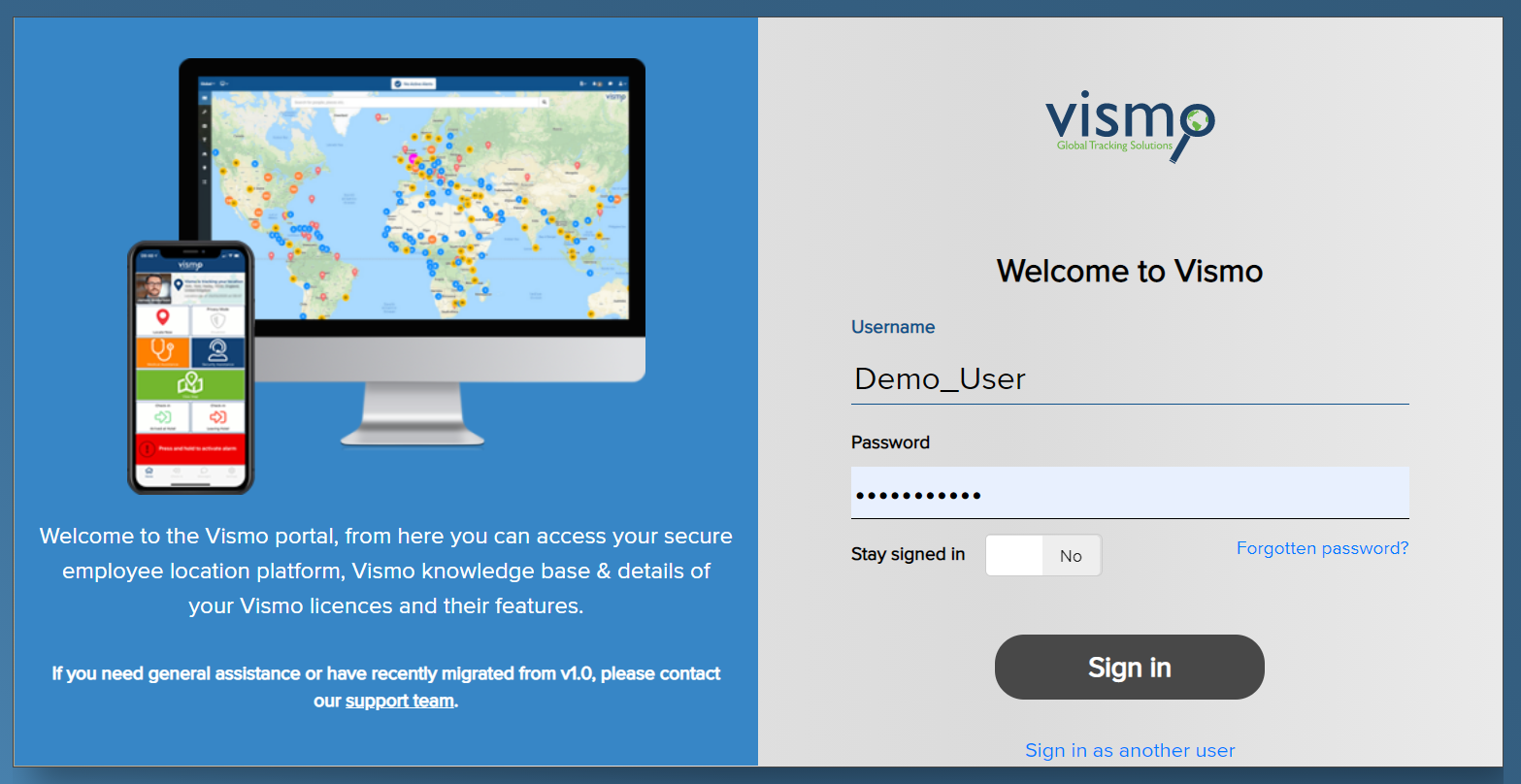
Enter your username and password as shown on the screen, then click ‘Sign In’.
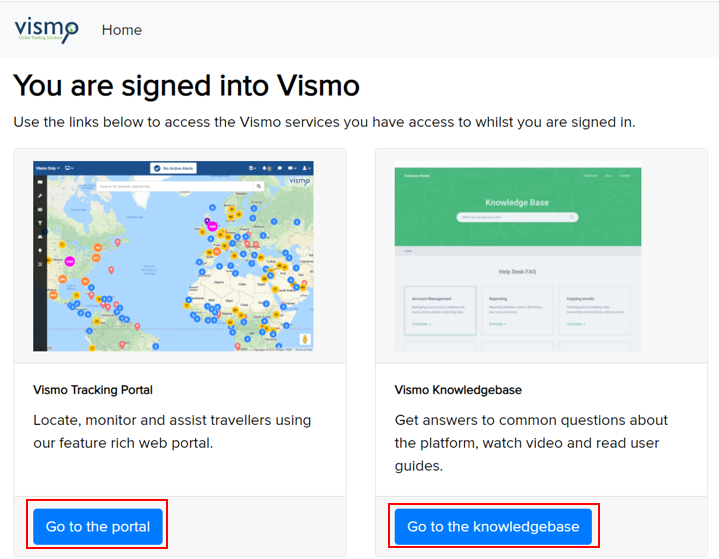
You will be asked whether you want to go to the Vismo Portal or the Knowledgebase. Click on the option you wish to access.