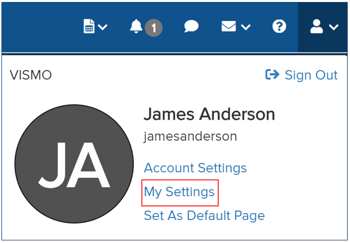
My Settings allows you to configure your language, time zone, distance display units, notification sounds, and to change your password. To access My Settings, click the person icon in the top-right corner. A pop-up will appear showing your name, username, and account name. From the pop-up, select My Settings. Your settings will then be displayed.
General
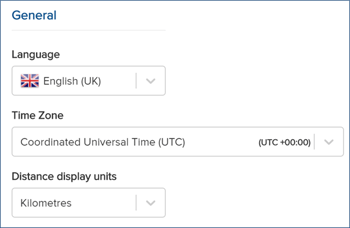
- Language – From the drop-down menu, select your preferred language. Options include English (UK), English (US), and Spanish.
- Time Zone – From the drop-down menu, select your preferred time zone. This will display all location information and reports in your chosen time zone. Note: The default time zone is UTC.
- Distance Display Units – From the drop-down menu, select your preferred distance units. Options include Miles or Kilometres.
Sounds
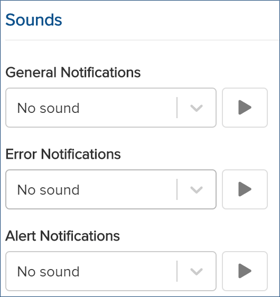
From the drop-down menu, select your preferred notification sounds for Vismo.
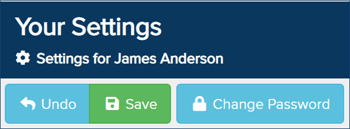
Once configured, click Save at the top to apply your changes.
Change Password
From the top, click Change Password.
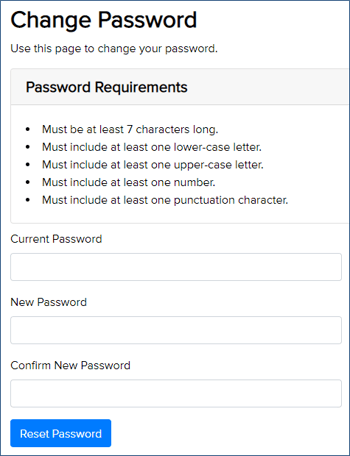
A new page will appear, allowing you to change your password. Enter your current password and choose a new password, ensuring it meets the requirements defined in the security settings. Then click Reset Password to apply the change.