
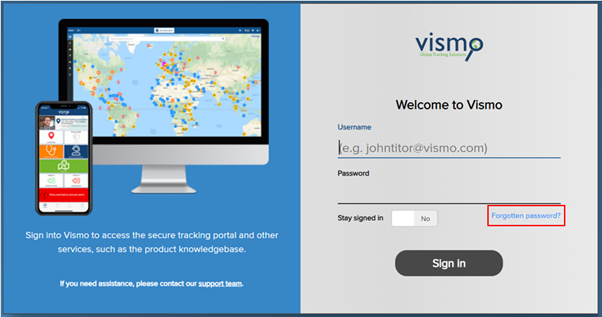
If you have forgotten your password, you can reset it by clicking the Forgotten Password button on the login screen.
- Go to secure.vismo.com
- Click on Forgotten Password
- A new page will appear. Enter your username (this may be your email address), and click Recover Password.
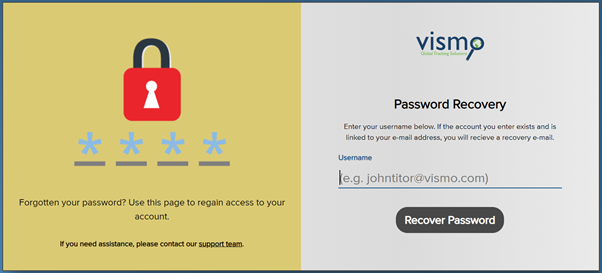
- An email will be sent to you with instructions to reset your password.
If you do not know your username, please contact your administrator, who can manually change your password for you (see also Changing a User’s Password).