You may need to view Completed Assignments. To do this, click on the Services icon, select ‘Reports’, and then choose ‘Completed Assignments’ from the list. If Completed Assignments do not appear, please ensure you have the correct permissions.

A new screen will then be displayed showing all Completed Assignments. To view additional completed assignments, scroll down the page or use the arrows at the bottom to navigate between pages.
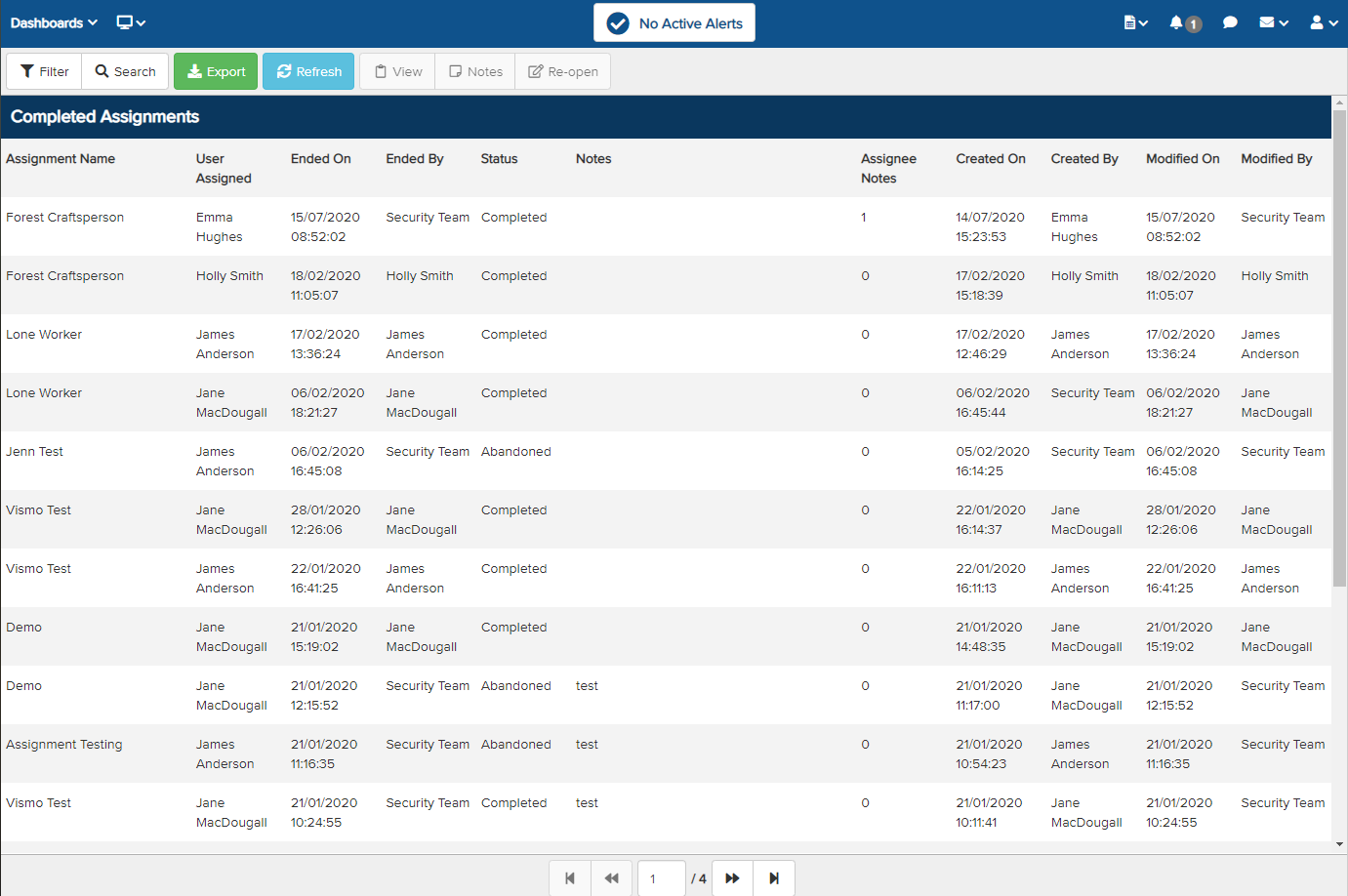
To view more details about an assignment, select the assignment until it is highlighted in blue, then click ‘View’ at the top.

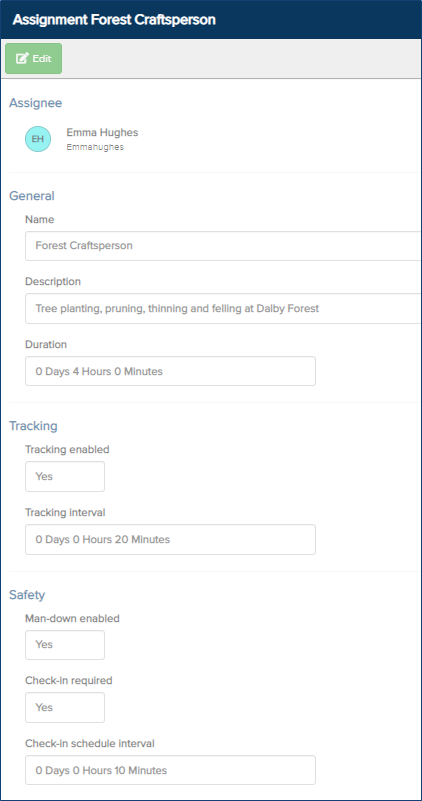
Further details of the assignment will be displayed, including the assignment name, description, proposed duration, tracking, tracking interval, man-down settings, and check-in schedule interval.
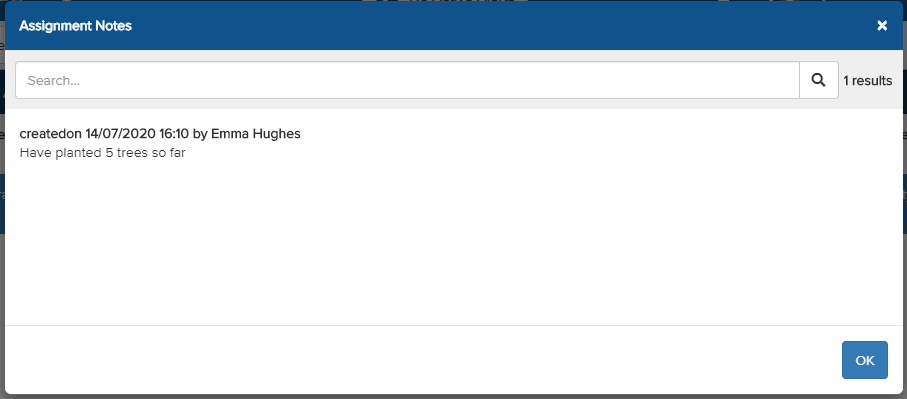
To view assignment notes, select the assignment and then click ‘Notes’ at the top.

The assignment notes will be displayed, along with the date and time they were added by the user. Read the notes, then click ‘Ok’ to return to the Completed Assignments page.