
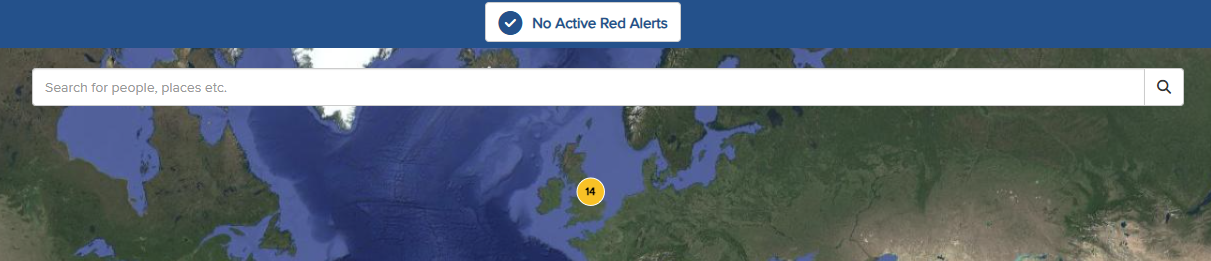
The multifunctional search bar, located at the top of the map screen, allows you to search for a person, place, Point of Interest (POI), or Geo-Fence. To search for a place, simply enter a specific location into the search bar. This could be a city, address, postcode, or latitude/longitude coordinates.
For example, by typing "York" and selecting Places, then choosing York, UK, the map will zoom into that location.
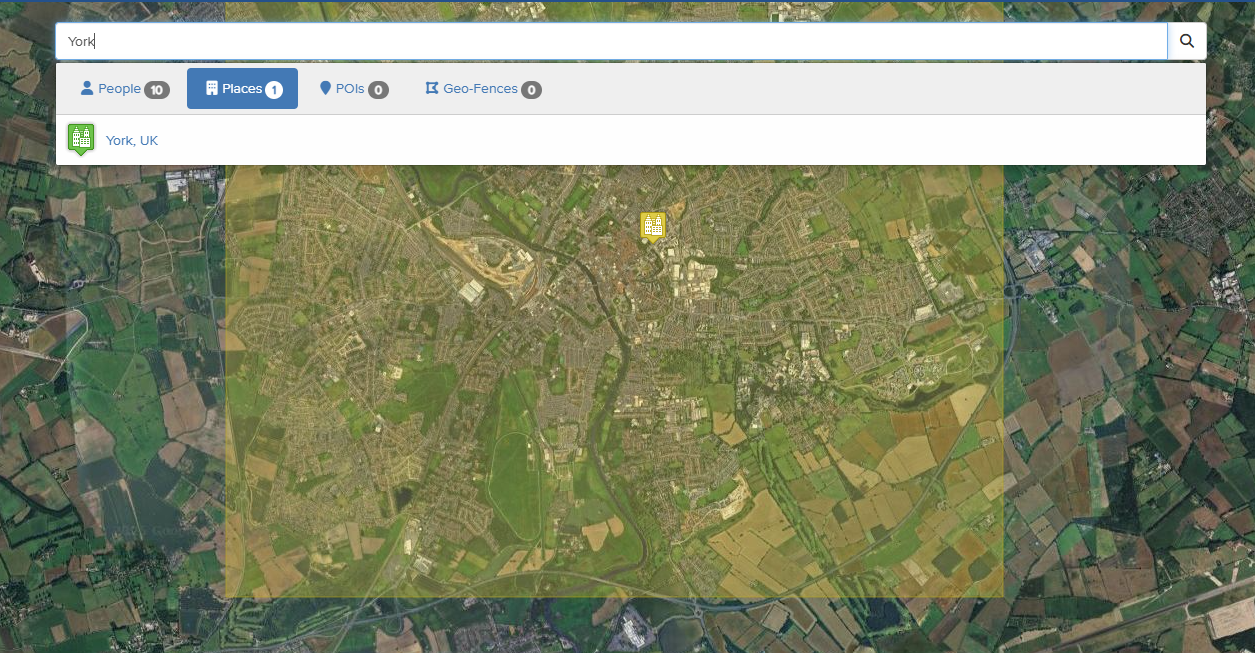
The selected location will be highlighted on the map view. A panel at the bottom of the screen will display the number of individuals present at that location.