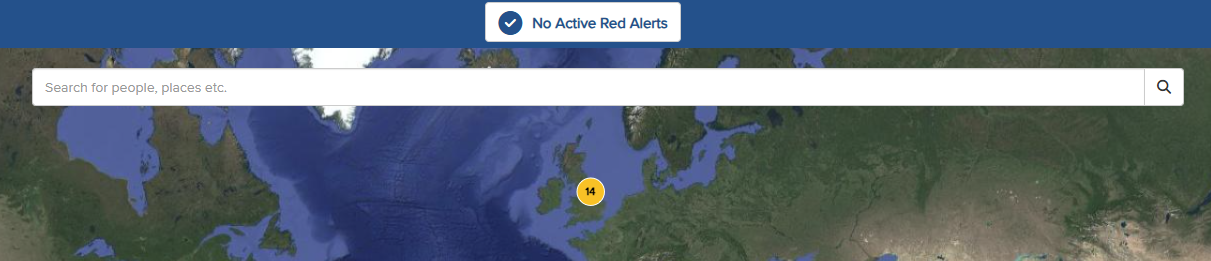
The multifunctional search bar, located at the top of the map screen, allows you to search for a person, place, Point of Interest (POI), or Geo-Fence.
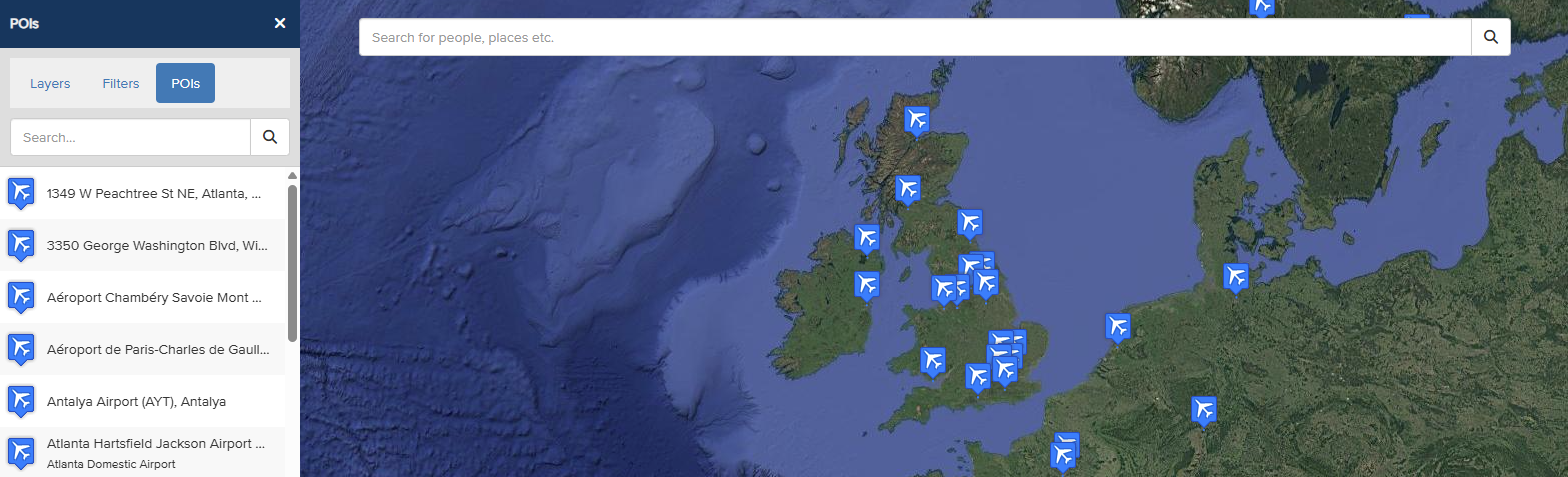
 To search for a POI (Point of Interest), start by adding a POI Layer to the map. Click the pin icon in the left-hand side panel, then select a POI Layer to display on the map. In this example, the Airports POI Layer is shown.
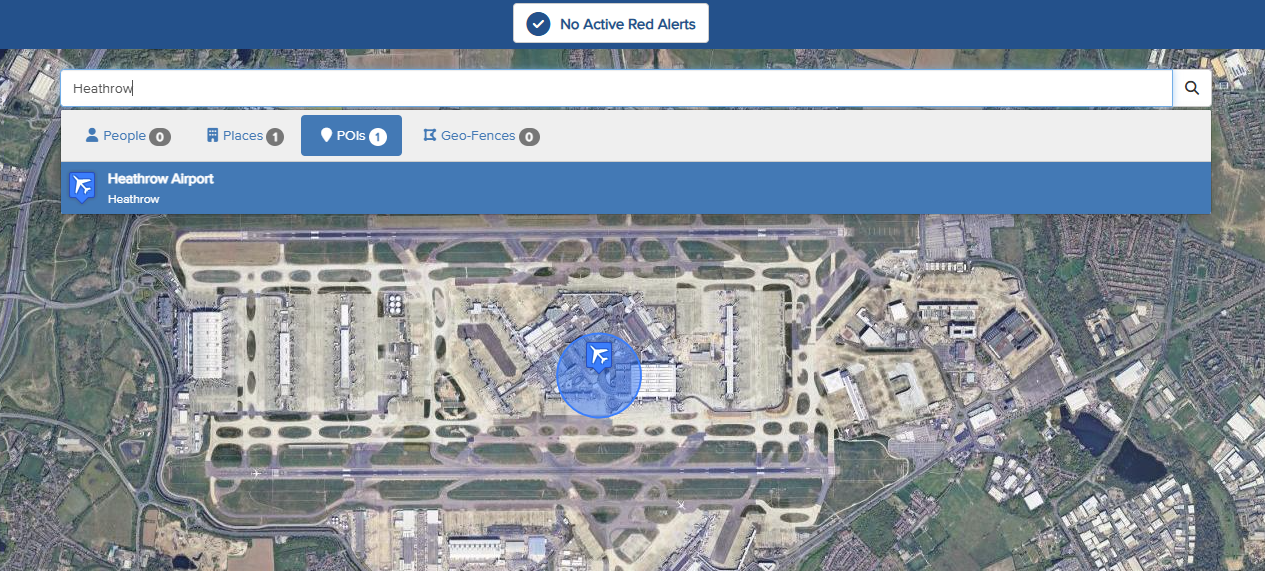
Use the multi-functional search bar to search for a POI Layer or specific POIs by name. In this example, we’ve searched for Heathrow Airport, a POI within the Airports Layer. Select the POI to display it and view its details on the map.