
Reference Fields are labels or categories that can be assigned to a user. They are searchable via the search bar on the map dashboards. Reference Fields can be added when creating a new user or when editing an existing user’s details.
To edit Reference Fields from a user’s details page, scroll to the Reference Fields section at the bottom and click the Edit button.
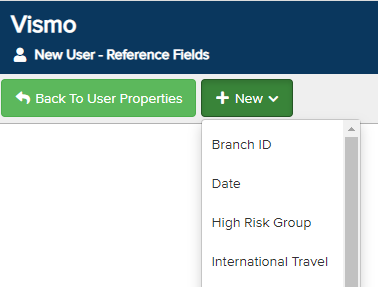
A new screen will appear. Click New and select the appropriate fields from the drop-down menu.
Where options are available, click the drop-down menu to add them. To remove a Reference Field from a user, click the bin icon.
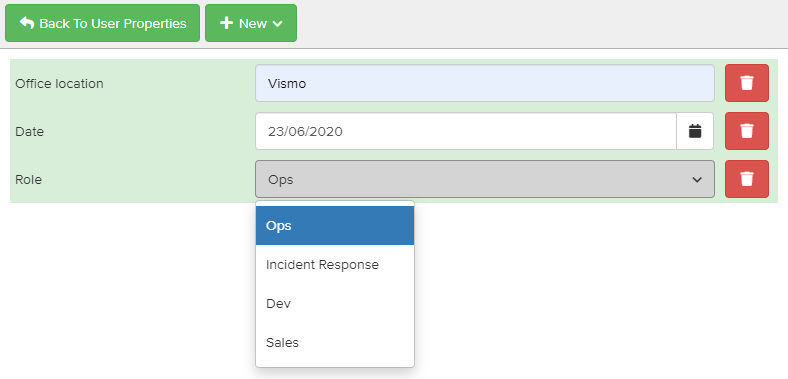
To save the Reference Fields, click Back to User Properties and then click Save at the top of the user’s details page.