
If a user has been assigned to the wrong manager, you can unassign them quickly.
1) Select the user until they are highlighted in blue.
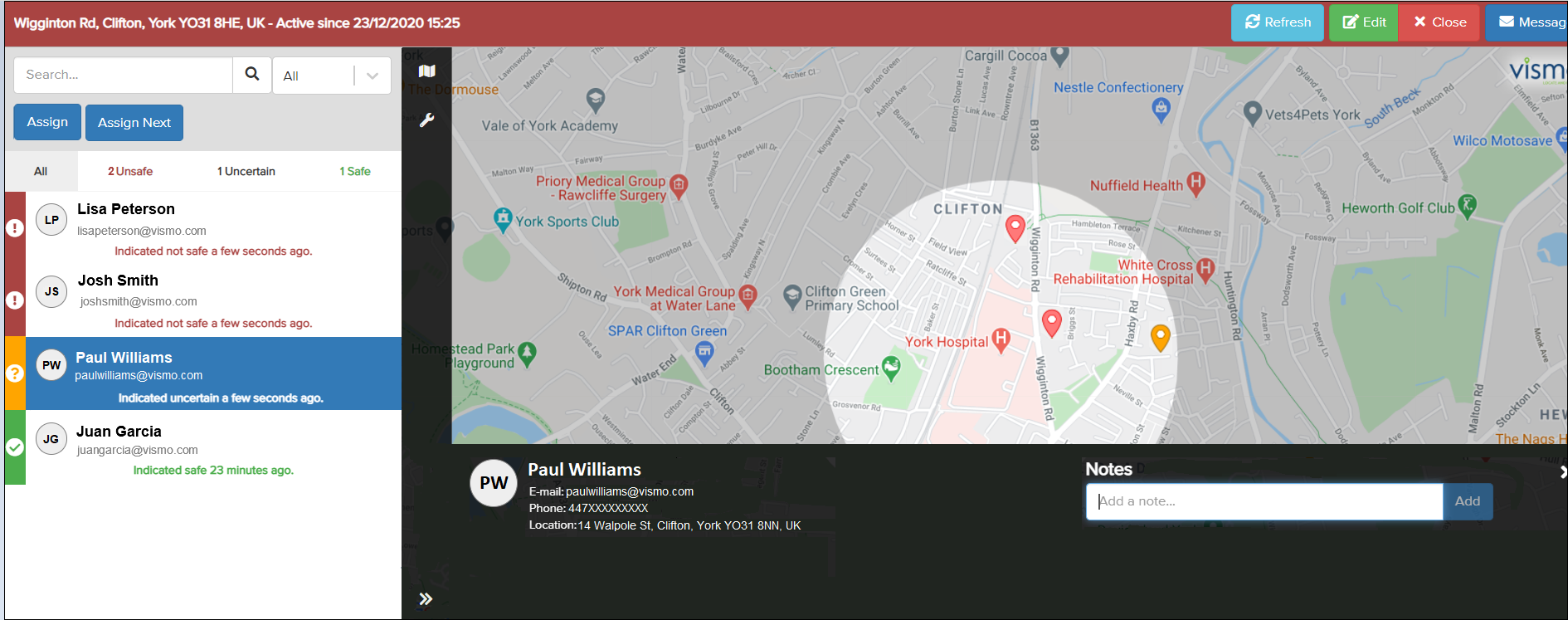
2) Click Assign above the user list.

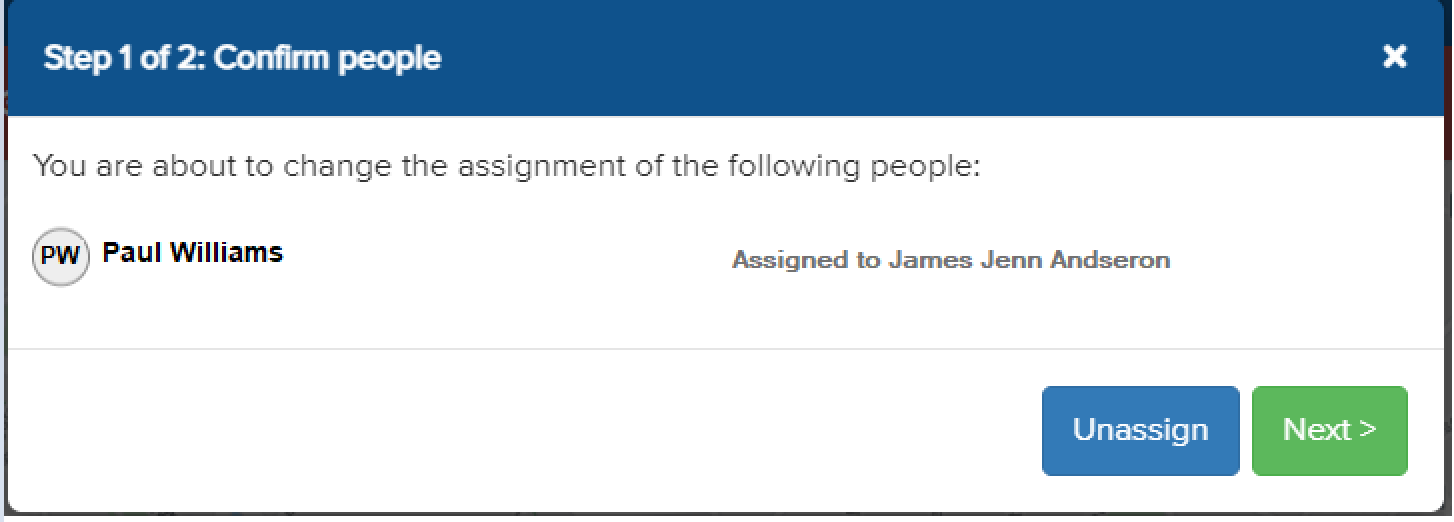
3) The following message will appear. Click Unassign.
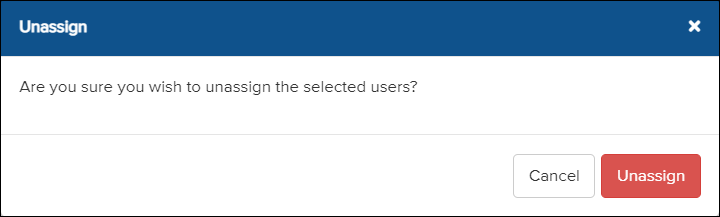
4) Click Unassign again to confirm the action.
The user has been unassigned. For more information on managing an incident, please click here.